

How to Start a Podcast in 2026: Full Step-by-Step Guide
This guide turns our industry experience into a practical method for planning, recording, publishing, and promotion, so you're ready to start a podcast that feels human, sounds professional, and scales without burning you out.

Written and Reviewed by Jack Freegard, Managing Director at TYX – 3 January 2026
How do you start a podcast that doesn't fizzle out, or is a one-hit wonder; something you can actually sustain and grow? Instead of relying on inspiration alone, the fastest path is a repeatable system you can run every week.
At TYX Podcasting Studios in London, our engineers help creators turn rough ideas into shows people genuinely stick with. We've helped record and produce podcasts that have reached over 100 million streams in the UK (so we have a good idea about what makes this space tick).
In this article, I’m going to walk you through that system step by step, so you can plan, record, publish, and promote a podcast that sounds professional and stays sustainable.
How to start a podcast: quick overview
I always recommend momentum over perfection. A 10-step roadmap keeps decisions simple and turns your first recording day into publish-ready episodes.
Lock the topic and structure
First, choose a podcast topic you can sustain and that your audience actually cares about. Next, lock a podcast format and draft an episode blueprint, so you never wonder what to say when you begin recording.
Get stable sound, then set distribution
After that, build a practical equipment stack, choose a recording setup, and run a short quality test. Once your sound is stable, pick a podcast host, set up your rss feed URL, and submit to the main podcast directories. Apple’s standard submission route is still RSS-based through Apple Podcasts Connect, and most platforms pull updates from your feed once you’re approved.
If you’re pushing to YouTube, RSS delivery via YouTube Studio is also an option in select countries, so it’s worth checking eligibility before you bake it into the workflow.
Ship, then improve in the first 30 days
Edit, release episodes on a predictable cadence, and support each release with podcast videos and short clips. Treat the first 30 days as a launch sprint; refine packaging and messaging based on data.
Here's the compact 10-step list:
Starter gear summary by budget, as we typically recommend:
Short launch checklist preview (which we use for nearly every new podcast):
- Final cover art checked at small size and in dark mode.
- A trailer plus two to three podcast episodes ready for day one.
- Ensure your RSS feed is validated and ready for submission.
- A reusable template for episode title, episode description, and episode notes.
- A plan for social media posts, email newsletters, and one cross-promotion.
Want the whole process in one place? Download the free podcast checklist and tick it off as you plan, record, and launch.
Step 1: choose a concept that will grow
Your podcast concept is the promise you’re making. I see it every week in the studio. The creators who start a podcast and keep going can tell you who it’s for and why it matters, fast. Get that right and the rest falls into place, from planning to promotion.
Define the listener and the niche
A specific niche helps you attract the right podcast audience. It also makes marketing simpler because your message is easier to repeat. If you try to speak to everyone, you usually end up with a show that feels vague, even when the production is strong.
I ask clients to write one line that includes the listener, the pain point, and the outcome. Then we sanity-check it against real search terms, real conversations, and other podcasts in the space. Your podcast audience isn’t everyone, and that’s a strength. It makes the show easier to understand, easier to share, and easier to stick with.
Validate with a sustainable idea bank
Before you start a podcast publicly, build proof that you can sustain it. I recommend drafting 10 to 20 episode ideas, then choosing the strongest 10 episodes and outlining each one. If you can’t reach ten episodes without stretching, the angle needs work. This step protects your time and keeps your podcast content focused.
Here’s a simple validation method we use: Pick three topics and write a one-minute opening for each. If the opening sounds forced, the promise is usually too vague. Your podcast topic should excite you and give you enough runway to keep showing up.
Start with a private pilot if you’re unsure
I hear this question a lot: “When should I start a podcast if the concept still feels unfinished?” My answer is simple. Start once you can explain the promise and deliver it in a repeatable way, even if the branding is still evolving.
If you want to start a podcast quickly, record a pilot first episode that you don’t publish. Treat it as a rehearsal. It helps you hear your pacing, spot the waffle, and decide what stays in and what gets cut. Then you start recording again with a cleaner outline and more confidence.
Studio speed vs home speed
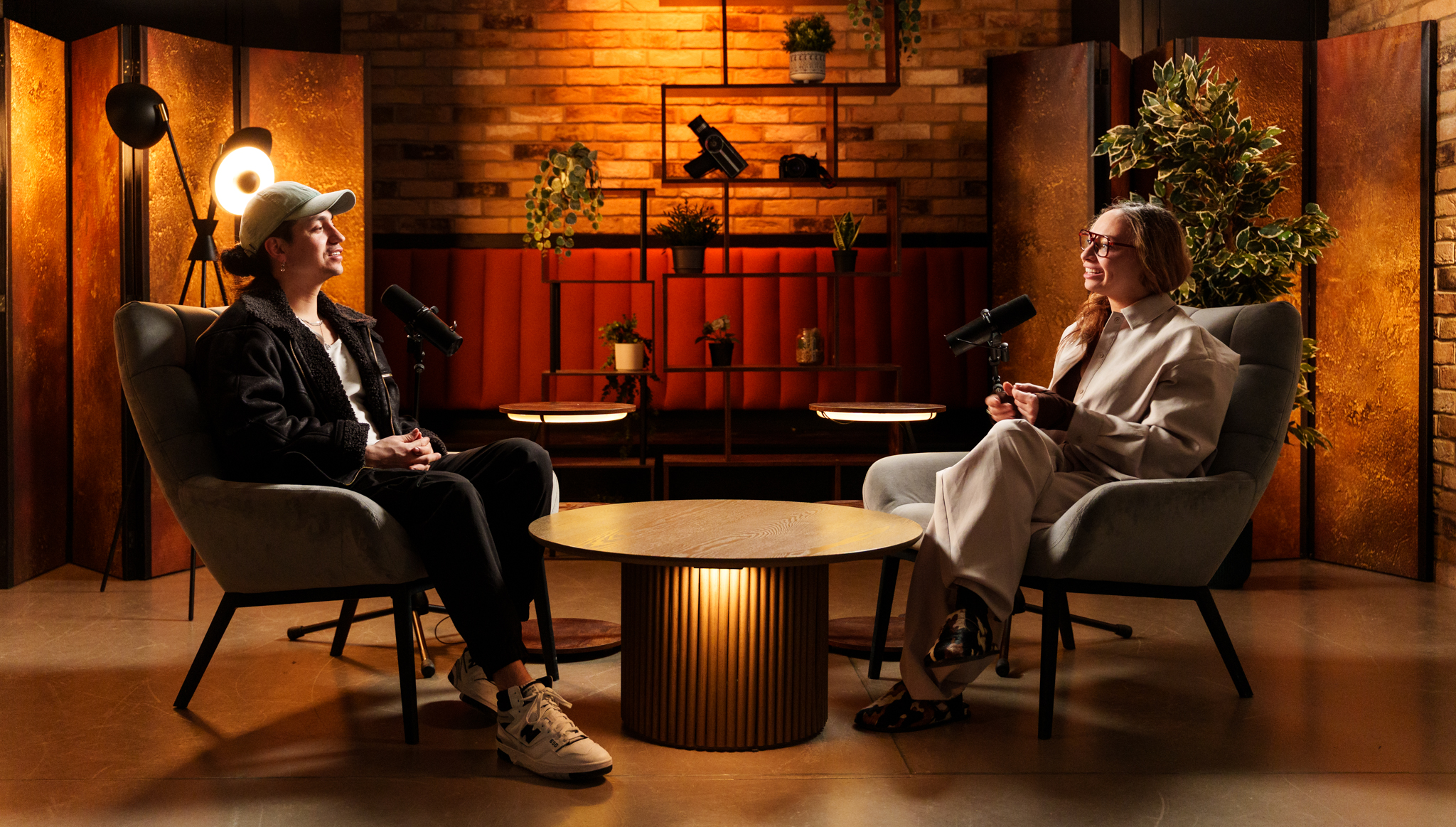
When you start a podcast in our studio, the speed advantage comes from control and support. We handle setup, levels, and technical checks, so you can focus on the conversation. You leave with industry-grade audio and clean optics if you’re filming, and we can take care of editing and post-production so the session turns into finished episodes.
If you start a podcast in a home studio, the same principles still apply. You’ll need a quiet space, low background noise, and a setup you can repeat. Either way, a successful podcast is built on consistency, not bursts of effort.
Set a goal that matches the show
One of the biggest mistakes I see is unclear goals. If you don’t know what the show is for, episodes drift and growth slows. Pick one primary goal and keep it front of mind.
If you’re building a business podcast, say it plainly and build topics around real buyer questions. It makes guest selection easier and keeps your calls to action clear. If the goal is community or authority, you can still be direct about it. The clearer the goal, the easier it is to plan and the easier it is to stay consistent.
Step 2: pick a format and build an episode blueprint
Your podcast format is the container that keeps the show consistent. It’s one of the biggest decisions you’ll make, because it affects editing time, guest logistics, and how the podcast feels to podcast listeners.
Choose the right format for your schedule
Most shows land in one of these formats.
- Solo teaching. It’s efficient and easy to batch.
- Co-hosted conversation. It relies on chemistry and prep.
- Interview podcasts. They can grow fast, but they need planning for interview guests.
- Narrative storytelling. It’s powerful, but time intensive.
I recommend starting simple. A straightforward, easy-to-follow format makes it easier to keep a weekly rhythm, and consistency is what earns trust.
Use interview podcasts without losing the thread
If interview podcasts are part of your plan, don’t let the guest become the structure. Treat them as a source of examples and stories.
We recommend one repeatable arc: a clear opening question, a three-part middle, and a practical wrap. Send prep questions early, confirm the story you want, and leave room for spontaneity. That’s where the best clips usually come from.
Build a repeatable blueprint
.png)
A repeatable blueprint makes the podcast easier to record and easier to edit. Use this simple framework.
- Hook and a short podcast intro: Open with the problem or payoff, then set the tone fast.
- Promise for the episode and who it’s for: Tell the listener what they’ll get and why it matters.
- Three sections with examples: One idea per section, backed by a real story or practical example.
- Practical recap and next steps: Summarise the takeaways, then give one clear action to try.
This keeps the podcast focused and helps you deliver an engaging episode without overthinking.
Decide on seasons or ongoing releases
Seasons work well for themed runs and planned breaks. Ongoing releases work well if you want a habit and continuous discovery. Either way, define what success looks like by the first few episodes, so you’re not guessing mid-season.
Plan for audio first, then add video
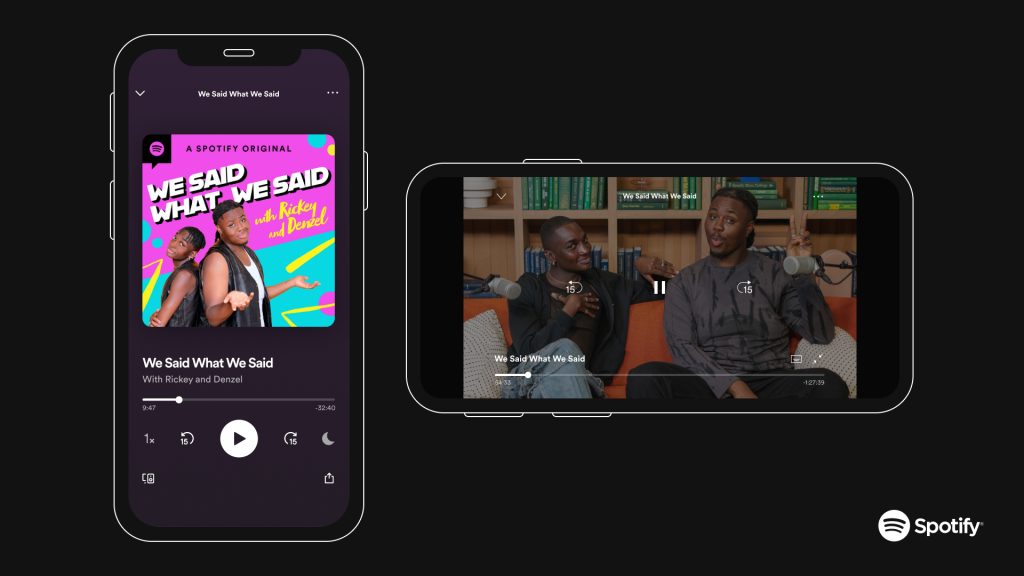
Alongside podcast apps and search, video’s become a major discovery route for podcasts. YouTube reports more than 1 billion monthly active viewers of podcast content which is why it’s worth planning a simple video layer you can repeat.
When you start a podcast at TYX, we’ll get your audio locked in and your workflow running smoothly. If you’re filming, we’ll plan the video podcast setup in a way that doesn’t slow production down.
Keep your packaging consistent everywhere
If you want your own podcast to travel well across apps, keep your episode description consistent in tone and structure. Make sure your podcast cover art is readable at thumbnail size, because that’s how most people first see it. Consistent packaging makes it easier for new listeners to recognise the show and hit play.
Step 3: name your podcast and set up podcast SEO basics
Your show name sits at the centre of your podcast brand. It’s usually the first thing someone sees before they hit play. We push for clarity over cleverness because relevance helps people find you, and it helps them choose you.
Choose a name that is easy to say and search
Your podcast name should pass the quick “say it once, remember it” test. I usually keep the podcast name short and easy to spell, because people will search for it in a podcast app when they’ve only heard it in passing. If you have to explain the spelling, you’re adding friction.
Before you commit, search the name in a few podcast app results and check it isn’t too close to other podcasts. Then decide where your niche keyword belongs. In some cases it fits naturally in the podcast title. In others, it’s better placed in the show description so the name stays clean.
Once you’ve chosen the podcast name, use it consistently across your cover art, your profiles, and your podcast website. Consistency makes you easier to recognise and easier to recommend. It’s also worth reserving your domain early, so your podcast website can grow alongside the show.
Nail the fields that actually affect search
Podcast SEO basics are simple. You want the core fields to match the words people type.
Focus on these in this order:
- Podcast title: clear topic signal, not a puzzle
- Podcast description: who it’s for, what it delivers, and the main phrases your audience searches
- Episode title: specific topic and outcome, not vague branding
- Episode description: the key points, names, and terms people will look up later
- Category choices: pick the most accurate primary category, then one secondary if it fits
This is how you show up in podcast platforms search, and it also helps your episodes surface in Google when people search for questions you answer.
Use a repeatable structure for metadata
Think of your podcast description as your pitch. Open with one positioning sentence. Then add three bullets that explain what each episode delivers. Keep it plain and specific.
For each episode, reuse the same structure:
- One sentence: who it’s for and what problem it solves
- Three bullets: what you’ll learn or get
- One line: the next step you want them to take
That’s the fastest way to keep quality high without spending ages writing.
Make your podcast website do the SEO heavy lifting
A podcast website gives every episode a permanent home you control. Create one page per episode with the episode title, a clean episode description, and episode notes that include links and key names. Keep the wording consistent with your in-app metadata so search engines and podcast platforms aren’t seeing mixed signals.
Once you’ve chosen the podcast name, use it consistently across your cover art, your profiles, and your podcast website. Consistency makes you easier to recognise, easier to recommend, and easier to find.
Step 4: create branding, cover art, and music
A strong podcast brand helps your show stand out and stay consistent across podcast platforms. It also makes production faster, because you’re not reinventing visuals every week. When clients come into TYX with a clear brand system, the launch is usually smoother, since every asset already matches the show’s promise.
Build cover art that works in real conditions
.png)
Your cover art is often the first thing someone judges, long before they hear your voice. Apple’s guidance is clear: keep artwork square, keep it high resolution, and make sure it stays legible at different sizes. For apple podcasts and most podcast directories, aim for 3000 by 3000 pixels, and don’t go below 1400 by 1400.
Here’s what I recommend in practice:
- Design your cover art so it still reads at thumbnail size.
- Keep the podcast title clear and prominent.
- Use high contrast so text stays readable in light and dark mode.
One important technical note: Apple specifies PNG or JPG, and it doesn’t allow transparency on the show cover. That means your podcast cover art should have a solid background, not a cut-out.
Create a primary design and a simplified variant
I encourage podcasters to create one primary cover art design and one simplified variant. The variant is for tiny thumbnails where small text disappears. If you’re also creating podcast videos, export a separate podcast cover art file for video thumbnails, so your own podcast looks consistent everywhere.
This is also a good moment to decide what stays fixed in your podcast artwork and what changes. Keep the colour palette and layout stable, then vary one element if you want freshness, like a guest photo or a small accent.
Build templates beyond the square
Podcast artwork isn’t just the square. You’ll also need repeatable templates for:
- Episode cards for your podcast website
- Quote graphics for email and social
- Clip frames for short video
I regularly see creators save hours each month once these templates are set. It also keeps your podcast brand consistent when you’re publishing fast.
Use music safely and keep the intro tight
Your podcast intro should earn attention, then get out of the way. Keep it short, keep it consistent, and make sure the voice stays louder than the music. Your podcast theme should match the tone of the show, but it shouldn’t distract from the message.
On the legal side, keep it simple. Use royalty free music you’re properly licensed to use, and store proof of the licence in your project folder. If you’re publishing video, remember that platform checks can be stricter, so “safe for audio” isn’t always “safe for video” unless your licence covers both uses.
Step 5: build your 2026 equipment stack
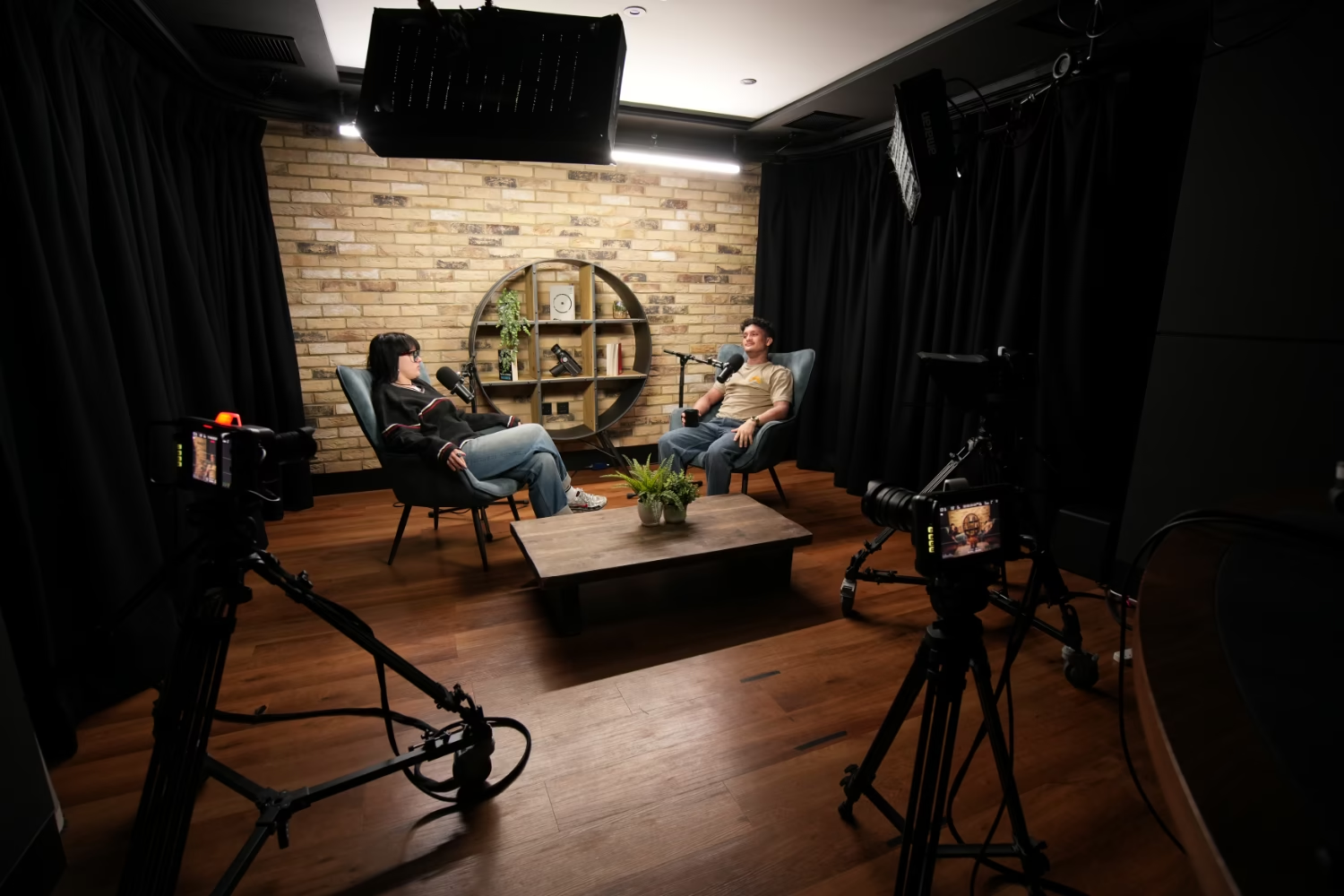
Starting a podcast in 2026 is more accessible than people think. You can get a workable setup for under about £75 if you keep it simple and use free editing software. At TYX, I tell clients to prioritise the room and technique first, then upgrade the chain. That’s how you get reliable audio quality without wasting money.
Choose budgets that match your plan
Basic podcast equipment is still the same core trio: a microphone, headphones, and editing software. Beginners often do well with a simple USB setup because it removes friction. If you’re recording more than one person, an interface and dynamic mics give you more control and cleaner separation.
Here are three practical stacks we recommend.
Pick microphones by scenario
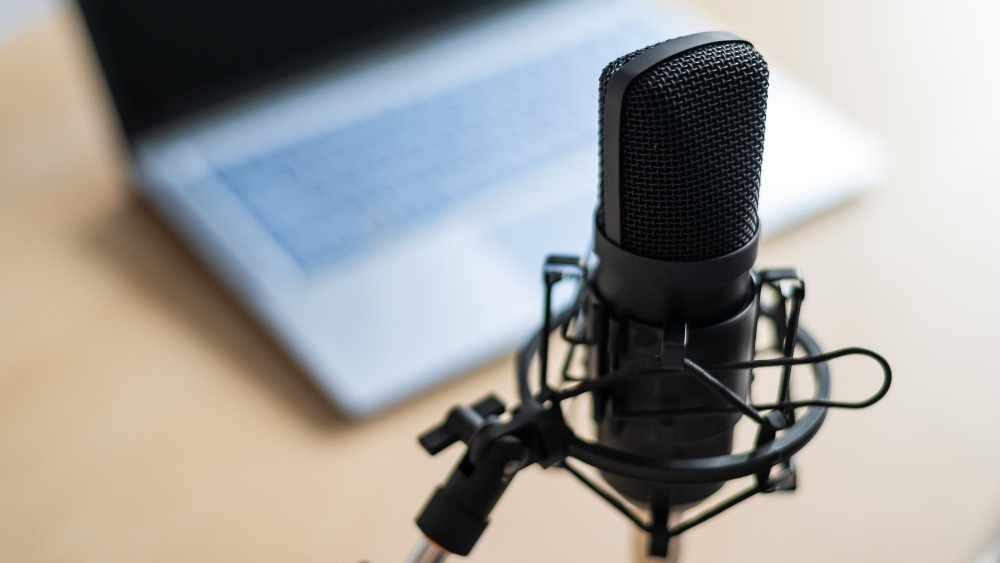
In real rooms, mic choice is mostly about controlling what you don’t want. Dynamic microphones are often preferred for podcasting in untreated spaces because they pick up less room sound and help keep background noise down. USB microphones are usually the easiest start for beginners because they’re affordable and quick to set up.
A solid bridge option is the Samson Q2U. It has both USB and XLR, so you can start simple and still grow into an interface later. Price moves around, but it often lands at roughly £45 to £75 depending on retailer and bundles.
I always frame it like this: pick a good podcast mic that fits your space. A good podcast mic in a reflective kitchen will still sound harsh, so move to a softer room first. If you’re using multiple podcast microphones in one room, keep each mic close to the speaker and reduce reflections behind the host.
Set up the room to protect audio quality
Your room is part of the signal chain. If the room’s noisy or reflective, you’ll fight it in every edit. Record in a quiet space with soft furnishings to reduce echo. Then get the mic close and stay consistent with distance. That’s the simplest way to record high-quality audio without heavy clean-up.
A pop filter helps reduce plosives that can spike levels and ruin takes. Closed-back wired headphones also matter more than people think. They let you monitor properly and stop sound leaking back into the mic, which protects the podcast audio and keeps your audio files cleaner from the start.
Step 6: choose your recording setup
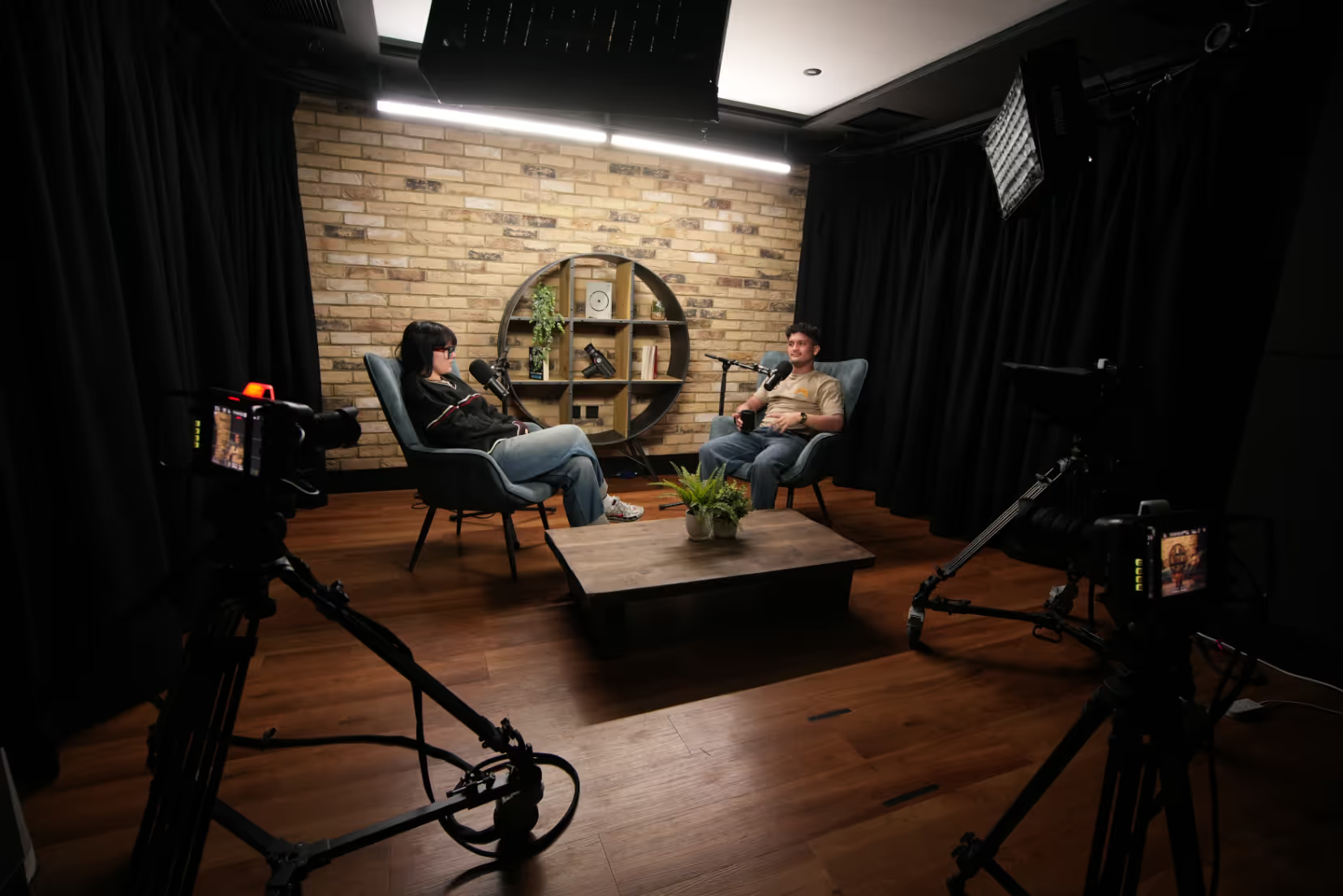
Your recording setup should fit your schedule and your guest mix. At TYX, we record solo shows, panels, and remote interviews, and the best setup is the one you can repeat without stress. If you can’t repeat it, you won’t publish consistently.
Choose studio, remote, or hybrid
A studio setup gives you consistency and cuts down troubleshooting. It’s also the easiest way to capture clean audio and clean optics in the same session. Remote sessions can work well for interview guests, but you need a disciplined checklist and a plan for backups. Hybrid works when the host is in a controlled space and guests join remotely.
.avif)
Use a practical settings cheat sheet
If you’re recording your first episode, keep it simple. Write a short outline, choose a quiet space, and do a quick test before you start recording properly.
For capture, record WAV so you’ve got a clean master for editing. Then export smaller audio versions for upload, because podcast platforms and listeners benefit from efficient files. If you’re publishing via an RSS feed, Apple specifically recommends AAC in an MP4 container for efficient streaming and seeking.
MP3 is still widely used too, depending on your hosting workflow, but the key is: record clean, then export smart.
Keep your peaks safe and monitor with headphones. Do a 30-second test and listen back before you commit to a full take. Clear sound matters for retention, so solve issues early instead of hoping editing will save it.
Run quality control before every session
The two problems I see most often are background noise and mic distance. Fix those first. Everything else is secondary.
Use a repeatable pre-flight every time:
Room quiet. Phone on silent. Mic close. Levels set. Test recording done.
It sounds basic, but it’s the simplest way to capture high quality audio without relying on heavy repair tools later.
Make remote sessions more reliable
If you’re recording remote interviews, don’t rely on the call audio alone. Use a platform that records locally where possible, so each person’s track is captured on their device and uploaded after. It’s more resilient, and it makes editing easier because you’ve got cleaner, separate tracks.
If you’re inviting interview guests, ask for a short mic check the day before. It saves you from turning the first episode into troubleshooting. A clean podcast recording should feel boring in the best way, because every decision is repeatable. That’s how a new podcast becomes consistent.
Step 7: choose hosting and distribute everywhere
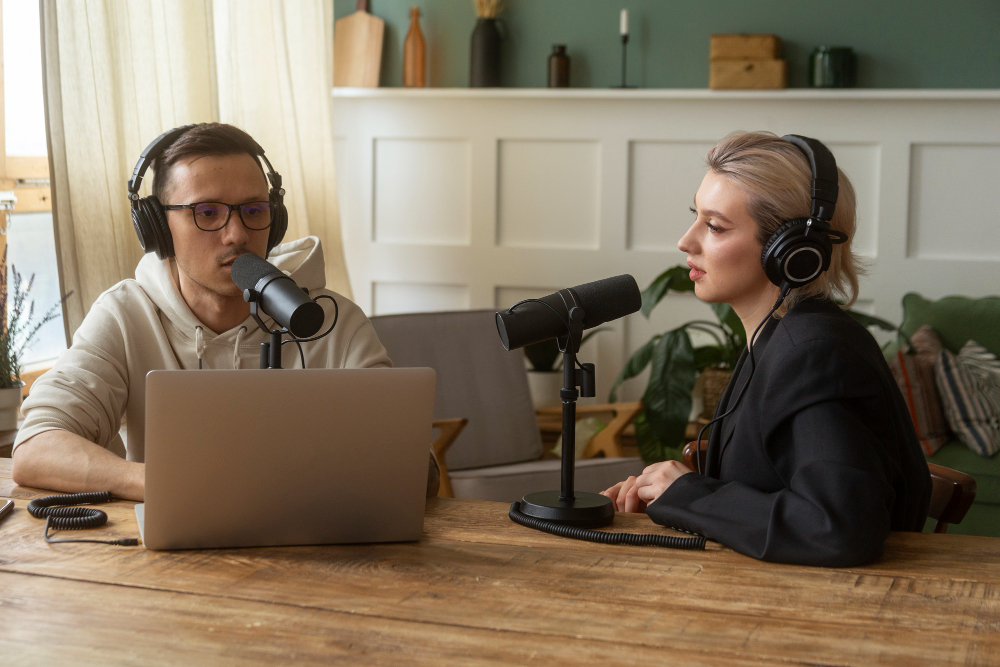
You need an RSS feed for podcast directories to read your show and update new episodes. Most creators get that RSS feed from a podcast hosting service, because it keeps storage, publishing, and updates in one place. Your podcast hosting service stores your media, generates your RSS feed, and pushes updates out to listening apps when you publish episodes.
Understand what hosting does
A podcast host is where you upload audio files, set titles and descriptions, and manage distribution settings. You can technically self-host, but it’s rarely worth the risk, because feed errors break listings and are painful to fix. In practice, most people choose a dedicated host because it’s reliable and it scales with the show.
If you want examples, Buzzsprout is often picked for its beginner-friendly workflow. Libsyn is a long-standing option that’s widely used by established shows. The “best” choice is the one that makes it easy for you to publish episodes consistently.
.png)
Explain RSS feed simply
Your RSS feed is the machine-readable source of truth for your show and your episodes. When you publish episodes, apps and directories fetch the RSS feed and update your listings. If the RSS feed is wrong, distribution breaks, so validation matters before you submit anywhere.
Keep your RSS feed stable once you’re live. If you ever change hosts, you’ll want a proper redirect so subscribers and podcast platforms don’t lose you.
Distribute to the main platforms
Distribution is part of your launch, not an afterthought. Getting listed in podcast directories is how new listeners find you in their preferred podcast app, and it’s how your show becomes shareable across podcast platforms.
For Apple Podcasts, the standard route is to submit an RSS feed that’s hosted by a third-party provider. There’s also an option to create a show in Apple Podcasts Connect if you’re part of the Apple Podcasters Program. Either way, the goal is the same: a clean RSS feed and consistent metadata.
For Spotify, you’ll typically claim your show in Spotify for Creators. If you host with Spotify for Creators, it’s automatically published on Spotify, and you can enable your RSS feed to share the show on other platforms too.
For YouTube, you can deliver episodes using RSS in YouTube Studio in eligible countries and regions. Availability can change, so check eligibility before you rely on automation for a video podcast workflow. As of 2026, Google Podcasts is shut down, and podcast listening in Google’s ecosystem is centred on YouTube Music.Step 8: edit fast, sound professional, publish consistently
I'm a firm believer that the best editing workflow is the one that keeps you consistent. Editing your podcast is essential for cleaning up audio and structuring your content effectively.
When creators over-edit, they often burn out before the tenth episode.
.png)
Step 8: edit fast, sound professional, publish consistently
In post, the goal isn’t to polish the life out of it. It’s to keep the voice clear, control background noise, and get each episode out the door without the process taking over.
Choose editing tools that match your skill
Pick editing software you’ll actually use. Audacity is a popular option because it’s free and it covers the basics well. GarageBand is another common starting point if you’re on Apple devices, because it’s already there and it’s simple to learn.
Descript is also popular because it combines editing and transcription in one workflow. That can speed you up, especially when you’re turning recordings into clips and clean episode pages. Whatever you choose, don’t tool-hop every week. Consistency beats features.
Use a repeatable workflow
A workflow should feel boring, because boring is repeatable. Import and label your audio files, cut obvious mistakes, level the voices, and reduce harsh noise. Then add your intro and outro, and export a clean master plus upload-ready versions for your host.
This is where you protect audio quality without sanding off your personality. Keep the edit focused on clarity: remove what distracts, keep what makes you sound human. If you’re always “fixing it in post”, it’s usually a recording issue, not an editing issue.
Publish with consistency and good notes
Consistency is what builds trust with podcast listeners. If you publish episodes on a predictable rhythm, people know when to come back. It also makes your production easier, because you’re working to a system instead of a deadline panic.
Your show notes should summarise the value fast, include key links, and make it easy to take the next step. Keep the episode title clear rather than clever. Then write an episode description that’s specific and outcome-focused, because vague copy gets skipped even when the audio is great.
Use a podcast website and transcripts to compound growth
A podcast website gives each episode a home you control. It’s where you can publish episode notes, link resources, and build a library that keeps working for you.
If you publish transcripts, you improve accessibility and you often improve discoverability too. People search for exact questions, and transcripts give your episodes more surface area to show up.
Step 9: add video and clips for growth
Video expands reach because it’s shareable, searchable, and easy to sample. At TYX, I often see a show find a second audience through a video podcast, even when the audio version is steady but slow-growing.
Build a minimum viable video workflow
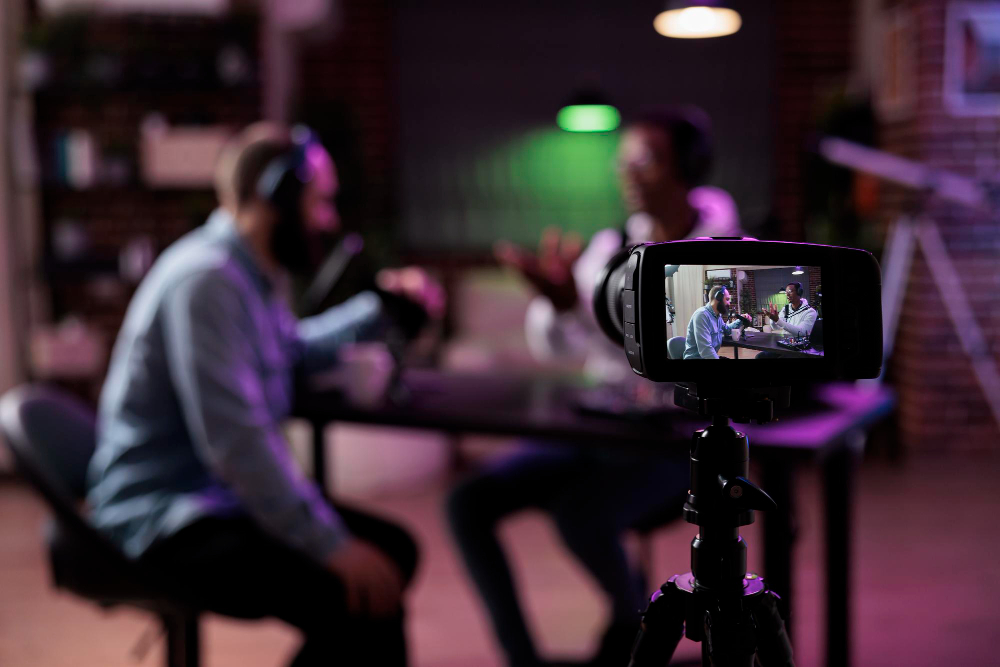
Start simple. Pick one video format you can repeat every week. One camera, one light, and the same mic chain you already trust is enough to begin. Then publish full podcast episodes as video, while keeping the podcast audio distributed through your host.
If you’re using RSS ingestion to publish to YouTube, don’t assume every dashboard will match perfectly. Some podcast analytics won’t attribute YouTube listening in the same way as audio-first apps. I always recommend checking both your host reporting and youtube studio, so you’re not making decisions off partial data.
Create a clip system that’s sustainable
Clips work because they lower the commitment. People can sample the show in 30 to 60 seconds, then decide whether to watch or listen.
Here’s the routine I recommend because it’s realistic. Pick three moments during recording that feel clear and quotable. Export three clips. Write two captions per clip, one factual and one personal. Then schedule social media posts across two social media channels, and add one behind the scenes content post to build familiarity.
Cross-promotion still matters too. A simple swap with other podcasts can put you in front of a relevant new audience without paid spend.
Step 10: launch plan and the first 30 days
Launching your podcast can be a big moment or a quieter rollout. Both work. I often suggest a soft open for first-time hosts because it lowers pressure and lets you refine fast when you start a podcast for the first time.
Decide what to publish on day one
If you can, launch with a trailer plus two podcast episodes. It gives people enough to sample and it makes the show feel real from day one. Then schedule the next release within a week, so momentum doesn’t fade.
Your first episode should do three jobs. Set expectations, establish your tone, and deliver value quickly. If you try to do everything, it usually lands flat.
Use a seven-day launch plan
Day 1: publish the trailer and two episodes, then confirm listings in apple podcasts, Spotify, and youtube music.
Day 2: post two clips and one short blog post on your podcast website.
Day 3: email your list and ask for questions.
Day 4: arrange one cross-promotion swap with other podcasts.
Day 5: publish a short bonus segment or a behind the scenes note.
Day 6: ask for feedback and reviews on the platforms you care about.
Day 7: review early signals, refine your episode titles, then plan next week.

Plan month one with a weekly focus
Week 1: fix friction in packaging, sound, and episode pages.
Week 2: tighten the opening, shorten the podcast intro, and clarify calls to action.
Week 3: test a new segment and refine the pacing.
Week 4: choose one improvement, apply it to every episode, and repeat.
If you want steady new listeners, keep the call to action simple. Tell them exactly what to do, then repeat it every time you start a podcast episode.
Podcast monetisation in 2026
Monetisation works best as a layer you add once the show’s consistent. If you chase money podcasting before you’ve nailed the routine, the content usually starts bending around the income goal, and the show loses momentum. The good news is you’ve got several solid options, and you can combine them without losing the listener’s trust.
Sponsorships and a simple media kit
Sponsorships are still the most common route for established shows. The key is to make it easy for a brand to say yes, without turning your episodes into ads.
Keep your media kit to one page. Include your show promise, a short podcast audience snapshot, your release cadence, and a few proof points like average listens per episode. If you’ve got a business podcast, position sponsorship as a partnership that matches the audience, not a generic slot. A good fit is worth more than a bigger cheque from the wrong brand, because it keeps the show credible.
Affiliates and service offers
Affiliate marketing works best when you’re recommending tools you’d use anyway. Keep it honest. Explain what it does, who it’s for, and when it’s not worth it. Listeners can tell when it’s forced.
If you sell services, your podcast can become a steady lead engine. It builds trust every week, and it gives people a reason to contact you when the timing’s right. Keep the offer simple and specific, and give one clear next step.
Subscriptions, memberships, and premium content
Subscriptions work when your show already has repeat listening. The simplest model is: keep the core show free, then offer an upgrade for deeper access. That might be ad-free episodes, early access, bonus Q&As, or extended interviews.
Memberships also work well when you can offer community and accountability, not just extra minutes of audio. If you go this route, set expectations clearly. You don’t want to promise weekly extras if you can only deliver monthly.
Events, workshops, and merch
Live events can be a smart option once you’ve built familiarity. Start small. A live Q&A, a workshop, or a recorded panel can be enough to test demand without taking on too much risk.
Merch is usually the last layer, not the first. It tends to work once you’ve got a stable audience and a clear identity people want to be part of. If you’re tempted early, give yourself a runway. Get the show consistent first, then add merch when it’ll actually move.
Analytics and optimisation
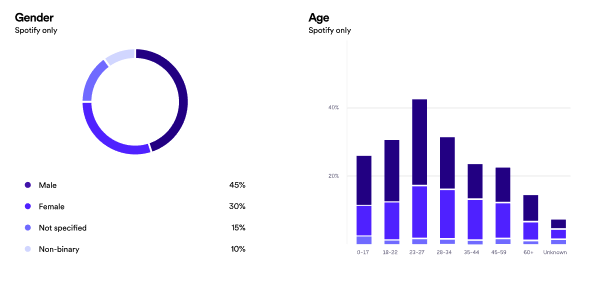
Podcast analytics aren’t a verdict. They’re signals you can use to make better decisions about content, packaging, and distribution. The trick is reviewing them on a steady cadence, not staring at them after every upload.
Track the metrics that shape growth
Keep it to a small set you can review monthly. Retention, follower growth, and click-through are usually the most actionable.
If retention drops in the first minute, tighten your opening and shorten the podcast intro. If click-through is weak, your cover art and episode title probably need simplifying. If follows are flat, the show promise may need sharpening more than the marketing does.
Compare dashboards the right way
Different platforms measure things differently, so don’t expect every dashboard to match. I treat the host dashboard as the big picture, then use platform dashboards to understand what’s happening inside each app. If you’re publishing video too, YouTube Studio adds a second retention view that’s often useful for packaging and pacing decisions.
Diagnose issues and fix one thing at a time
When a show isn’t growing, it’s usually one of three bottlenecks: the promise is unclear, publishing is inconsistent, or distribution and packaging are weak. Pick one improvement each month, change it, then keep everything else stable long enough to see what moved. That’s how you improve without guessing.
Final checklist
Want a printable version? Download the full checklist as a PDF.
How TYX Studios supports your podcast journey
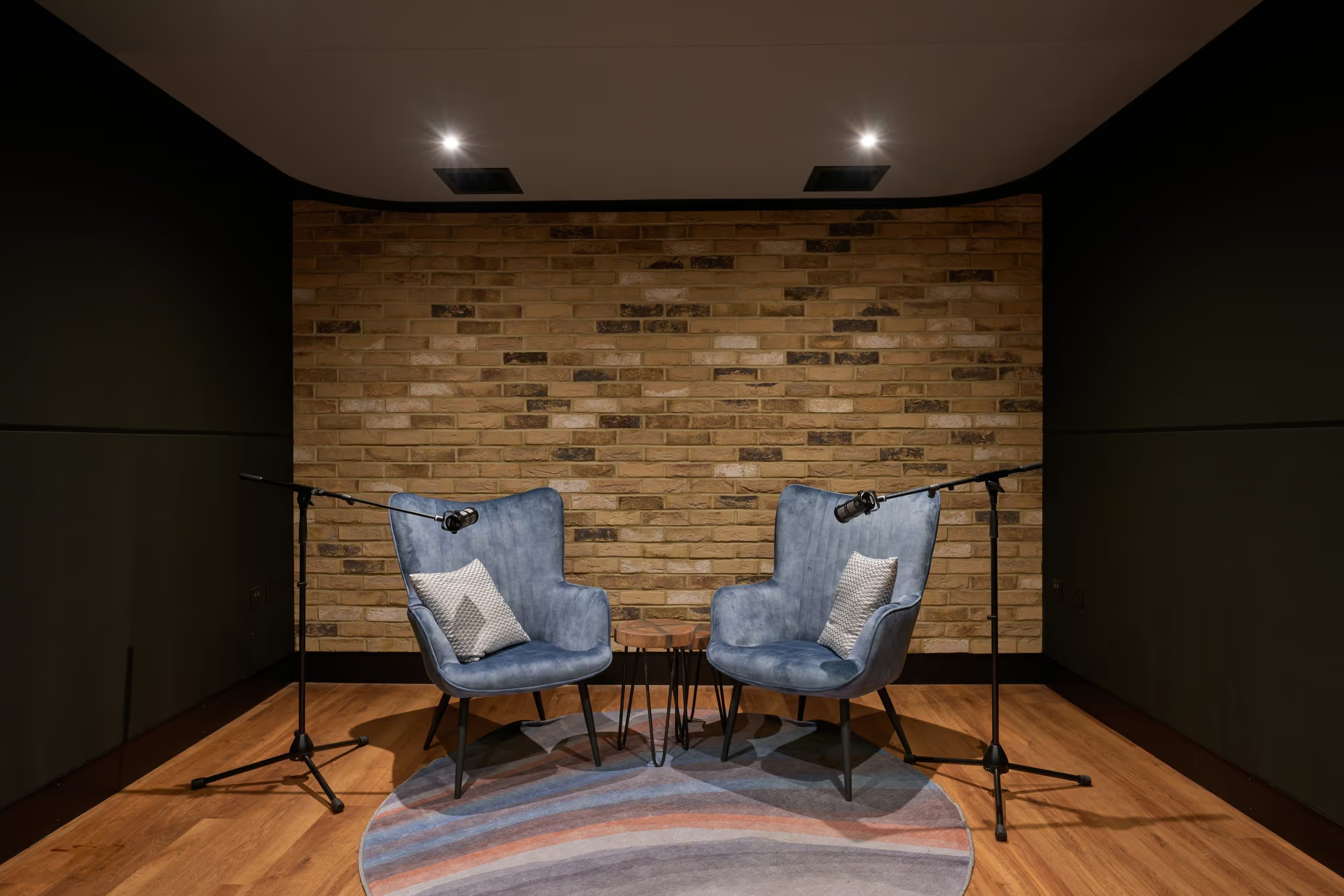
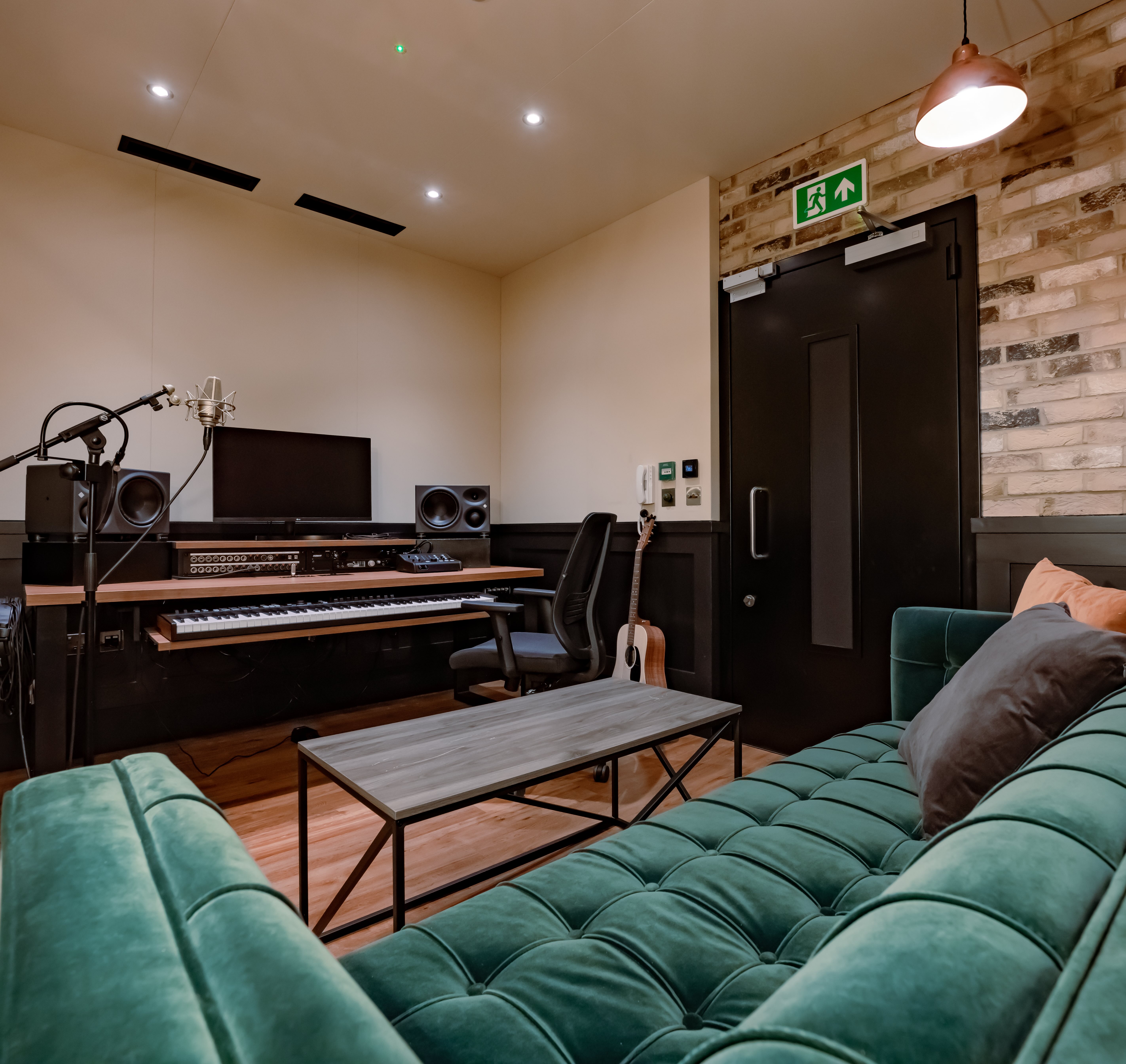
Starting a podcast is simpler when you're not figuring out the tech on your own. TYX Studios has three podcast studios at Tileyard London with 4K cameras, professional mics, and a technician handling your setup and levels from the first take.
Studio 1, our newest room, is purpose-built for creators launching new shows, with flexible backdrops, ceiling-rigged lighting, and sessions starting from £300.
If you want the full workflow taken care of, our production team covers recording, editing, mastering, social clips, and a clean handover ready to publish. Bring your idea, your schedule, and one reference episode you like. We'll help you build something you can repeat week after week.
Frequently Asked Questions
If your concept’s clear and your workflow’s simple, you can often start a podcast in 2 to 4 weeks. If you’re adding guests, video, or heavier editing, plan 4 to 6 weeks so you’re not rushing.
A trailer plus 2 to 3 episodes is a strong launch. It gives people enough to sample, and it helps new listeners decide quickly.
No. A studio just reduces risk and saves time, especially with background noise, multi-person sessions, and video podcast setups.
You need an RSS feed either way. Most creators use a hosting provider to generate and manage it, and Apple’s standard route is submitting a show via an RSS feed hosted by a third-party provider.
Apple also supports creating a show in Apple Podcasts Connect if you’re part of the Apple Podcasters Program.
If you host on Spotify for Creators, it’s published to Spotify automatically. To share your show on other platforms, you’ll need to enable your RSS feed, then submit it where needed.
Only if it won’t slow your publishing. If you’re unsure, start audio-first, then add a simple video format once the routine’s stable.
Pick the quietest room, get close to the mic, and keep levels consistent. Soft furnishings help, and monitoring with headphones lets you catch issues before they ruin a take.
Yes. They improve accessibility and can support discovery, especially when people search for specific questions. If you can’t do full transcripts, start with clean episode notes and expand later.
Ship consistently, publish clips, and do cross-promotion with other podcasts. Keep your call to action simple so people follow, share, or send a question.
Google Podcasts is shut down and Google’s podcast listening is centred on YouTube Music. Treat Apple Podcasts, Spotify, and YouTube Music as your baseline, then expand to other podcast platforms that match your niche
Yes, if you’re eligible. YouTube supports uploading and publishing podcast episodes via RSS in YouTube Studio, but it’s only available in select countries and regions, so you’ll need to check availability before you rely on it.
.avif)
How to Make Money Podcasting in 2026
Real-world guide to podcast income in 2026. What to charge, when to start, and which platforms matter.