



What is a podcast RSS feed?
A podcast RSS feed is a web address that points to an XML file in RSS format. It contains your show details and episode entries with links to the audio files, so apps and directories can list your podcast and publish new episodes to listeners.

Reviewed by Jack Freegard, Managing Director at TYX – 18 January 2026
Most podcast apps and directories don’t crawl your website for new episodes. They pull updates from your podcast RSS feed. That’s how Apple Podcasts, Spotify, and other platforms know your show exists and when you’ve published new episodes.
At TYX Studios in London, we help podcasters record and release with a workflow that works. In this guide, we’ll explain what a podcast RSS feed is, how RSS feeds work, and what to do with your RSS feed URL.
What is an RSS feed?
RSS stands for Really Simple Syndication. RSS has been through a few versions over time, and Dave Winer is often cited in the history of early RSS formats.
It’s one of the common web feed formats used to publish frequently updated information from a site, including news, blogs, posts, and articles.
An RSS feed is a structured XML document that lists updates as items, typically with the newest first. Items include metadata and a link back to the source, so a reader can display new content clearly, usually in reverse chronological order.
A feed reader (also called an RSS reader or RSS feed reader) can subscribe to the feed and pull new content without you having to keep checking the website.
What makes a podcast feed different?
A podcast feed is RSS applied to audio. Each episode entry includes an enclosure that points to the audio file, plus metadata like episode title, a short description, and a publish date. Apple’s requirements also include unique enclosure URLs per episode and a GUID that never changes.
How RSS feeds work for podcasts
- Your hosting platform stores your audio files and generates your podcast RSS feed.
- When you publish new episodes, your podcast hosting provider updates the feed with the new episode details.
- Each podcast directory polls your RSS feed URL for changes.
- When the feed changes, the directory updates your listing so users can access the new episode in their app.
That’s why an RSS feed ensures your show stays consistent across platforms once it’s set up correctly.
What’s inside the RSS feed
A healthy podcast RSS feed includes the details platforms need:
- Show info: title, show description, cover art, explicit rating, and author or owner details
- Episode info: episode title, summary, publish date, and the enclosure direct link to the audio file
- Technical info: GUID, file type, file size, and other data directories use for playback
Where to find your RSS feed URL
In most cases, your hosting provider shows your RSS feed URL inside your account dashboard. You’ll usually see labels like “RSS feed”, “RSS feed link”, or “feed URL”. If you need the RSS feed copy for a migration, this is what you paste into the import tool.
If you host with Spotify for Creators, Spotify verifies your show using the email address in your RSS feed. Spotify also notes that the email in your RSS feed can be publicly visible to anyone with the feed link, so use an address you’re comfortable sharing.
If you’re trying to find another show’s feed, a free tool can help. RSS.com offers a “Find my RSS feed” tool that can locate a show’s RSS feed URL. Note: private or exclusive shows may not expose a public feed, so a finder won’t always return a result.
Submitting to podcast directories
Most podcast directories, like Apple Podcasts, still rely on your RSS feed URL to ingest and update your show, even if listeners discover you elsewhere.
Apple Podcasts
To submit, you must have an Apple Podcasts Connect account, then you submit your RSS feed URL for review. Apple recommends validating your RSS feed inside Podcasts Connect before submission.
It helps if your first episode is live before you submit, because it gives reviewers something real to validate and helps answer questions about what the show delivers.
If you’re working from an iTunes listing, you can use that page link to help locate the correct RSS feed URL for the show.
Apple will also validate your artwork. Your cover art must be square, between 1400 × 1400 and 3000 × 3000 pixels, in JPEG or PNG format.
Spotify and other directories
Spotify and other platforms may let you submit directly, or your hosting provider may offer a one-click submit workflow. Either way, the RSS feed URL remains the underlying mechanism for ingesting and updating episodes for most directory-style distribution.
Before you submit, validate. Incorrect formatting can cause errors and delays. Cast Feed Validator is one example of a validator tool.
Moving to a new hosting provider
RSS is an open standard, so you can switch hosting providers without starting from scratch. The usual process looks like this:
- Your new hosting provider imports your existing feed and pulls your episodes
- You set a 301 redirect from the old RSS feed URL to the new RSS feed URL
- For Apple, use the <itunes:new-feed-url> tag correctly, and do not set it to the Mirror URL shown in Apple Podcasts Connect
Apple also recommends keeping the 301 redirect and <itunes:new-feed-url> in place for at least four weeks, and keeping episode GUIDs stable to avoid duplicate episodes and analytics issues.
After you switch, check a couple of directories, confirm you still have access, and make sure the latest episodes appear correctly and older episodes still play.
When a podcast website helps
Your RSS feed is built for directories and apps, not for people. A podcast website gives listeners a simple place to learn what the show is, browse episodes, and click out to Apple Podcasts and Spotify. It also helps with search visibility for your podcast content.
It also gives you a home for the full content: episode pages, show notes, transcripts, and other content that doesn’t belong inside a podcast app.
From there, it’s also easier to share a single page link across channels such as Facebook and Twitter without having to explain which app someone should use.
Evelate your podcast at TYX Studios

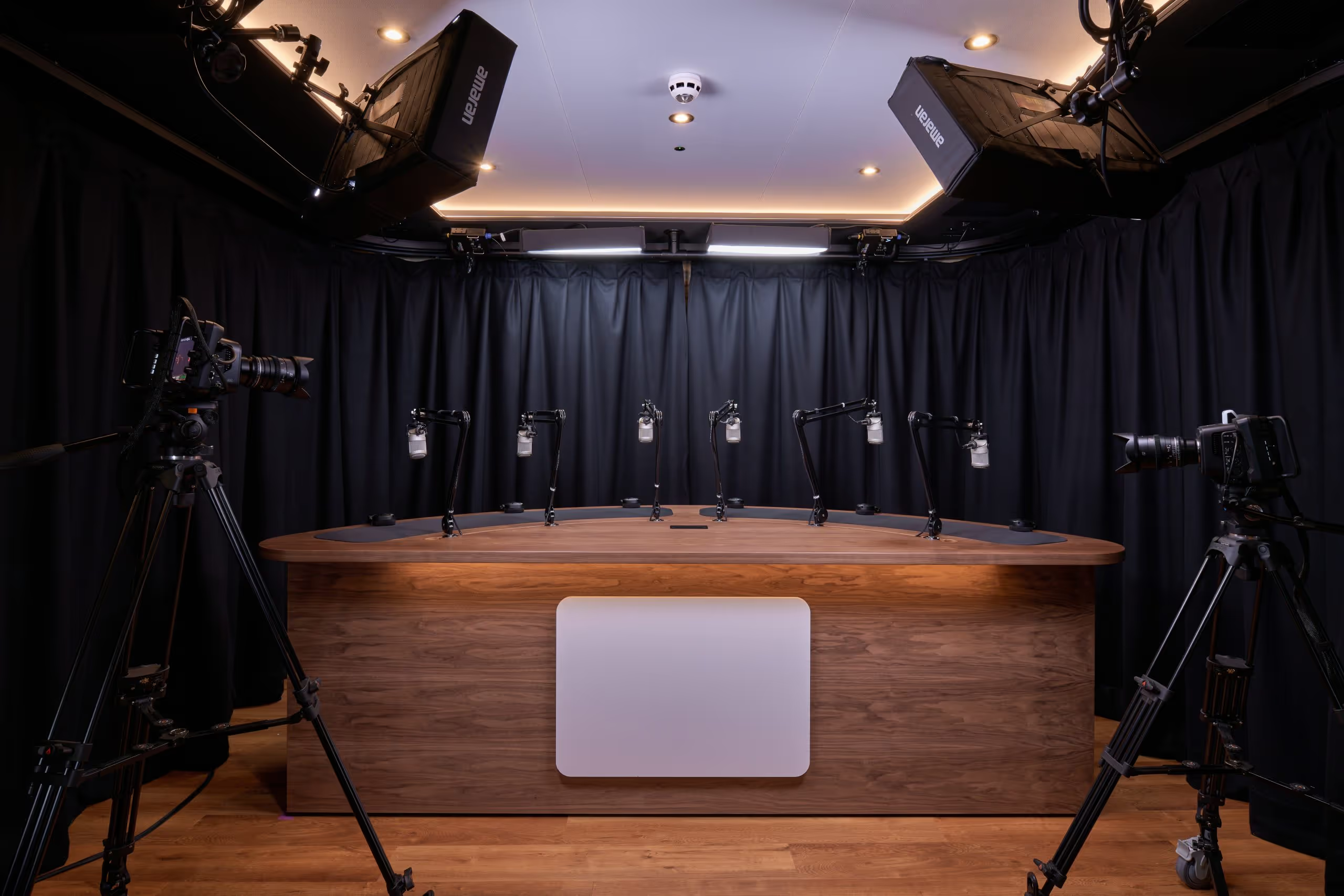
Your RSS feed is only as good as what you put into it. TYX Studios runs three podcast studios at Tileyard London, each with 4K video, broadcast-grade audio, and a technician as standard. Our newest space, Studio 1, brings ceiling-rigged lighting, multiple backdrops, and the flexibility to switch formats on the fly, starting from £300 per session.
We also offer full podcast production covering recording, editing, social clips, and finished episodes ready to drop into your feed and publish across every platform.
Frequently Asked Questions
It’s the standard way your show is distributed to a podcast directory and kept updated, so listeners can subscribe and receive new episodes automatically.
An RSS reader is a general feed reader for posts, blogs, and news. A podcast app focuses on audio playback, but it still reads your podcast RSS feed in the background to fetch new episodes.
Yes, but you’ll need to generate valid XML and follow platform-specific requirements. Most podcasters use a hosting provider so the feed stays compliant and updates automatically.
Common causes include missing required tags, a broken enclosure link to the audio file, an explicit rating mismatch, or artwork that doesn’t meet spec. Apple’s Podcasts Connect validation and requirements docs are the best place to interpret the exact error.
You don’t need one to start, but it helps with search engines, sharing, and long-term discoverability. Even a simple setup with one page per episode and clear links out to platforms is enough.
How to Start a Podcast in 2026: Full Step-by-Step Guide
Learn how to create a podcast in 2026 with a practical, step-by-step system for planning, recording, hosting, editing, and launching across audio and video.
.avif)